LynxTrades
vs TradesViz
TradesViz is the closest match on raw capability. LynxTrades costs $19 less per year than TradesViz Pro and keeps replay, simulation, risk tools and AI together in one simpler paid tier.
 Lynx Free$0/moNo card or time limitLynx Pro$13.33/mo · $160/yrBilled annually
 TradesViz$14.99/mo · $179/yrPro, billed annually
$0 to start · No card required · Complete export on both Lynx plans
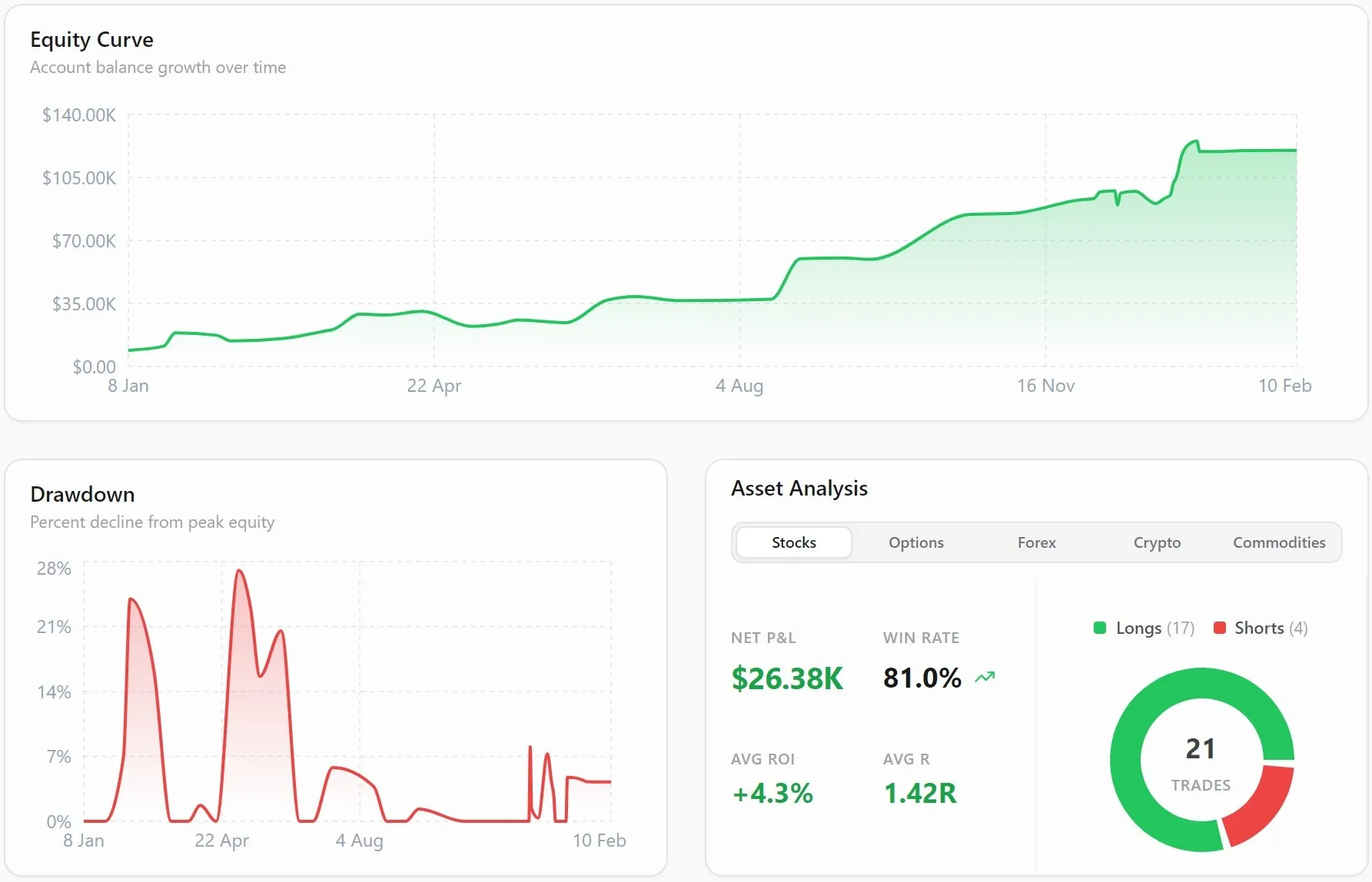 Lynx ProLynxTrades product view
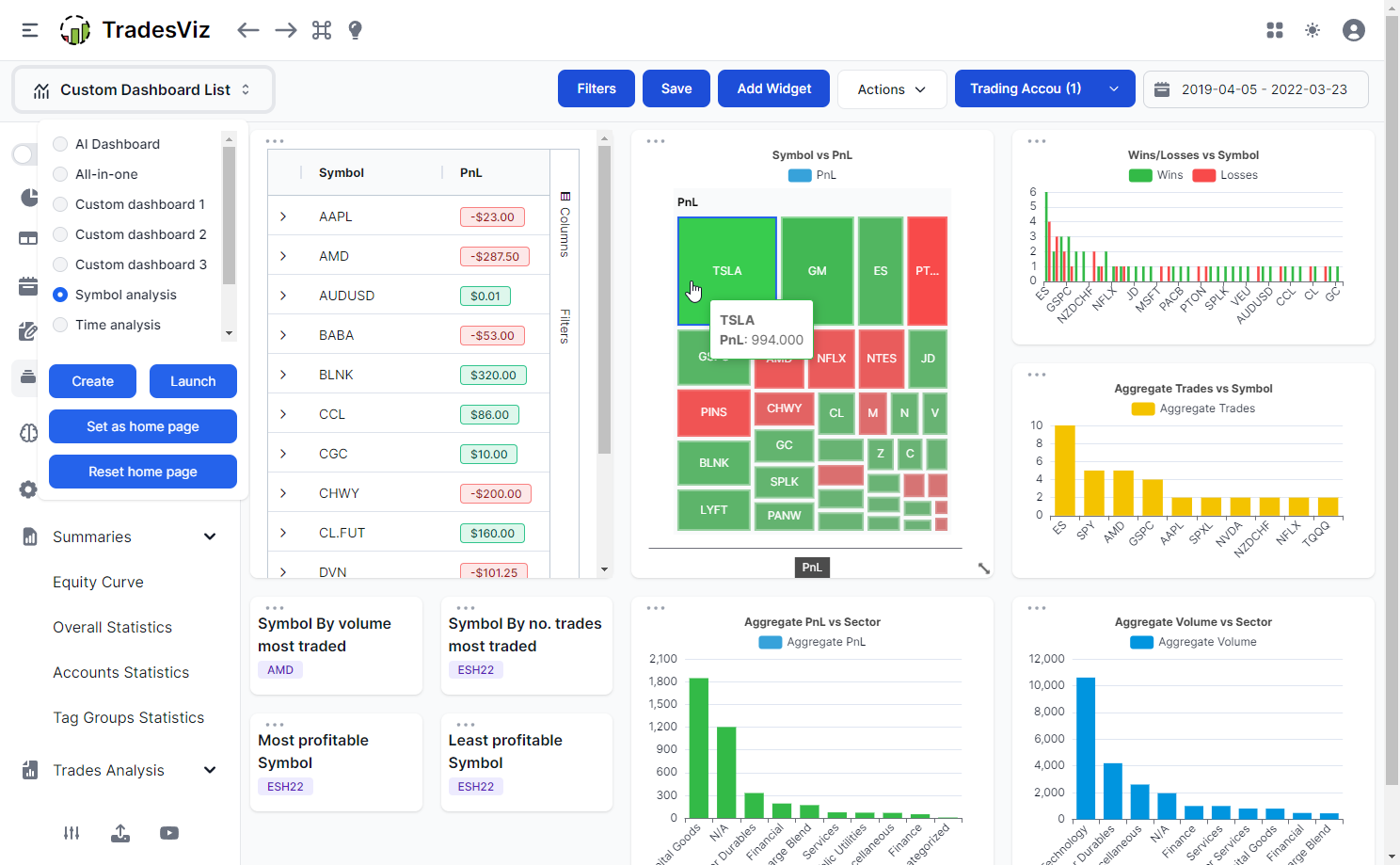 TradesVizOfficial product page
| Capability | Lynx Free$0/moNo card or time limit | Lynx Pro$13.33/mo · $160/yrBilled annually | TradesViz$14.99/mo · $179/yrPro, billed annually |
|---|---|---|---|
| Import and market coverage | |||
| No plan-level trade creation capThe subscription does not meter how many trades you create | Included Creation is uncapped; journal views load a bounded working set. | Included Creation is uncapped; journal views load a bounded working set. | Included Paid plans remove the Free execution allowance. |
| Multiple trading accountsKeep separate books under one login | Included Two accounts. | Included Unlimited accounts. | Limited or higher tier Ten accounts on Pro; twenty on Platinum. |
| Automatic broker importFills arrive from a supported connection | Not listed | Included Up to six supported broker connections. | Included |
| AI-assisted CSV mappingMaps recognized broker-export columns into the journal | Not listed | Included Arbitrary-format normalization is limited to six imports a day, two an hour and roughly 500 KB per file. | Limited or higher tier Publishes an external AI conversion workflow before Custom CSV import. |
| Six-market coverageStocks, options, futures, forex, crypto and commodities | Included | Included | Included Six markets are available on paid plans. |
| Multi-leg option groupingKeep spread legs together as one trade | Included Includes more than ten strategy presets. | Included | Included Auto-detects spreads and supports explicit spread IDs. |
| Executions and partial fillsPreserve scaling in and out instead of flattening the trade | Included | Included | Included |
| Commission and fee trackingCalculate net results after trading costs | Included | Included | Included Included on Pro and Platinum. |
| Journal and trading process | |||
| Rich-text notes and templatesRepeat a consistent review without starting from a blank page | Included | Included | Included |
| Screenshots and attachmentsKeep visual evidence beside the trade | Included 50 MB storage, three screenshots per trade and three attachments per note. | Included 1 GB storage, ten screenshots per trade and ten attachments per note. | Included |
| Setups and dedicated playbooksStore the rules behind a repeatable trade | Included | Included | Limited or higher tier Tagging and trade plans cover part of the workflow; deeper planning is tiered. |
| Per-trade risk-profile checklistComplete the global risk checklist on each trade | Included A global risk-profile checklist can be completed per trade; setup conditions remain reference lists. | Included A global risk-profile checklist can be completed per trade; setup conditions remain reference lists. | Limited or higher tier Trade plans and checklist-style tools are strongest on Platinum. |
| Mistake and emotion trackingConnect behavior to performance | Included | Included | Included |
| P&L calendar with day drill-downMove from month to the trades behind one session | Included | Included | Included |
| Prop-firm rule trackingTargets and drawdown rules by evaluation account | Included Eight presets plus Custom are included. | Included | Included Publishes dedicated rule, target and drawdown tracking. |
| Challenge headroom and pass-odds analyticsRoom before a breach today, consistency headroom and pass probability | Limited or higher tier The dashboard widget tracks limits and room; the command-center tab and pass odds are Pro. | Included Room across both limits at once, consistency headroom under total-profit and winning-days denominators, a pre-trade floor planner and pass probability resampled from the phase at four sizes. | Included Publishes a compliance dashboard with a consistency score and a retroactive evaluation simulator with rolling-window pass rates. |
| Per-account JSON backup and restoreStructured account data plus a separate CSV trade export | Included Includes one selected account plus shared journal objects; media files, settings, dashboard layout and broker connections are excluded. | Included Includes one selected account plus shared journal objects; media files, settings, dashboard layout and broker connections are excluded. | Not listed |
| Shareable read-only performance pageA page a non-user can open, on your terms | Not listed | Included A frozen, encrypted snapshot at its own link: amounts can be hidden entirely, links can be password-protected, every link expires and any link can be revoked. Never the live journal. | Included Publishes per-account share links, a public dashboard and trade or day sharing with P&L redaction options. |
| Analytics and risk | |||
| Customizable dashboardArrange the journal around the metrics you use | Included | Included | Included One custom dashboard on Pro and ten on Platinum. |
| Setup, symbol and session breakdownsFind where expectancy changes | Included | Included | Included |
| Behavior and rule-compliance analysisMeasure the cost of broken process | Included | Included | Included |
| Auto-detected rule-break scoringViolations found from your configured rules, not self-tagged | Not listed | Included Eight auto-trackable rule types are checked against every closed trade as at trade open, scored, and priced by comparing clean and violating trades. | Not listed |
| Day-and-time performance analysisCompare results by weekday and hour | Not listed | Included | Included |
| MAE and MFE excursion analysisSee adverse and favorable movement inside a trade | Not listed | Included | Included |
| Captured MFE and target comparisonCompare the exit with favorable movement and the recorded target | Included Shows captured MFE and comparison with the recorded target, not an ideal-exit optimizer. | Included Shows captured MFE and comparison with the recorded target, not an ideal-exit optimizer. | Limited or higher tier Advanced exit simulators sit on Platinum. |
| Drawdown, streak and risk metricsTrack the shape of returns, not only the average | Included | Included | Included |
| Live-quote P&L on supported open positionsRefresh current positions inside the journal | Not listed | Included Refreshes on a 30-second cooldown; excludes multi-leg options and futures without a quote proxy. | Not listed |
| Stock and futures position sizingTranslate account risk into quantity before entry | Included Supports stocks and futures, including CME and custom point values. | Included Supports stocks and futures, including CME and custom point values. | Included |
| Visible Kelly sizing analysisFull, half and quarter Kelly from journal results | Not listed | Included | Not listed |
| Replay and testing | |||
| Simulated trade replayRe-run a session without changing the live journal | Included | Included | Limited or higher tier Trade replay is published on Platinum. |
| Journal-history Monte CarloResample your own trade distribution across many paths | Not listed | Included Up to 10,000 runs. | Limited or higher tier Risk simulation is published on Platinum. |
| What-if strategy sandboxChange filters or rules against the existing journal | Not listed | Included | Limited or higher tier Stop-loss, target and risk simulators are on Platinum. |
| AI on the trading record | |||
| Conversational recent-trade Q&AAsk about recent trades and derived analytics | Included Three lifetime Onyx messages. | Included Up to 200 Onyx messages a day, using at most 50 recent trades plus derived metrics. Standalone notes are not included. | Included AI Query and AI Chat have separate daily limits on paid plans. |
| AI coaching and performance reviewsTurn journal patterns into a focused review | Not listed | Included | Included AI Coach is included on Pro and Platinum. |
| Scheduled written weekly reviewThe closed week reviewed on your own schedule | Not listed | Included Delivered on your chosen weekday, hour and timezone, quoting your own journal entries, with an email option, an archive, and a plain-figures fallback when the AI is unavailable. | Limited or higher tier Journal-grounded AI Daily Insights are published; a scheduled weekly written review is not. |
| Current-field AI trade suggestionsReview the symbol, selected setup and emotion before entry | Not listed | Included Suggestions use the current symbol, selected setup and emotion, not the trader's full history. | Not listed |
| Source-linked personalized news feedFocus reporting on symbols found in the journal | Not listed | Included Uses traded symbols and links each item to its original news source. | Not listed Publishes journal-grounded Daily Insights, not a source-linked personalized news feed. |
- Included
- Limited or higher tier
- Not listed
Official sources
- TradesViz: Pricing, AI features, Trade replay, Prop firm tracking
Where TradesViz is strongest
TradesViz has the broadest configurable analytics surface in this comparison. Pro publishes more than 100 charts and Platinum advertises more than 600 statistics, plus market screeners, options flow, historical backtesting, native mobile apps, and a strong prop-firm compliance dashboard with a retroactive evaluation simulator. It is an excellent fit for traders who want to build highly customized views.
Visit the official TradesViz siteThe differences
that change the decision.
Price is only useful beside the exact tier and feature. These points use TradesViz's current published plans and LynxTrades' implemented limits.
$19 less on the annual bill
Lynx Pro is $160 a year. TradesViz Pro is $14.99 a month billed annually, or about $179 a year. The entry paid plans are close, but several advanced TradesViz tools sit on the higher-priced Platinum tier.
Replay and simulation stay in one tier
Lynx Pro includes replay, Monte Carlo, what-if analysis and visible Kelly sizing analysis. TradesViz publishes replay, strategy backtesting and its advanced risk simulators on Platinum rather than the displayed Pro price.
A guided surface instead of hundreds of controls
LynxTrades uses a smaller set of opinionated dashboards for setups, sessions, behavior and risk. TradesViz exposes far more configurable charts. The better choice depends on whether you want the answer arranged for you or prefer to construct the view.
Choose for your
actual workflow.
The right journal is the one whose strongest tools match the work you repeat every week.
Choose TradesViz
Choose TradesViz if maximum report customization, market screeners, options flow, native mobile apps or historical backtesting are worth the denser interface and tiering.
Choose LynxTrades
Choose LynxTrades if you want a slightly lower annual bill, one complete paid tier, dedicated playbooks and a more guided path from journal entry to decision.